


Design
Give every question a clear structure.
Build questions in the editor. Keep the source, conditions, and presentation together as the survey takes shape.
- Questions, content, assets, and languages
- Conditions, loops, screening, and validation

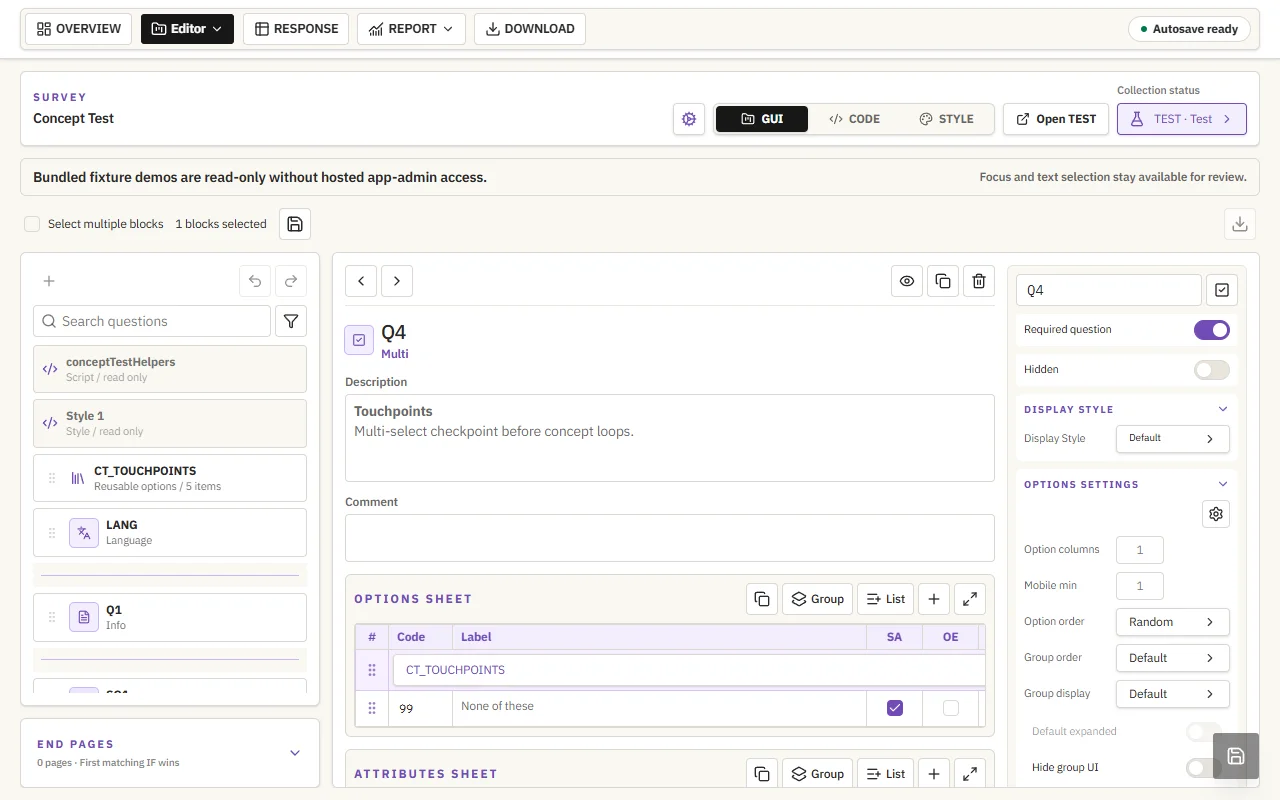

Design, run, and deliver — with the context intact.
Build surveys with logic, media, and reusable blocks.
Concept Test · Actual editor capture
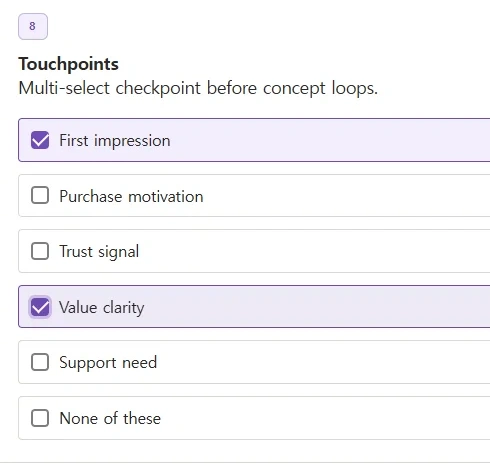
Test, collaborate, and launch without losing track.
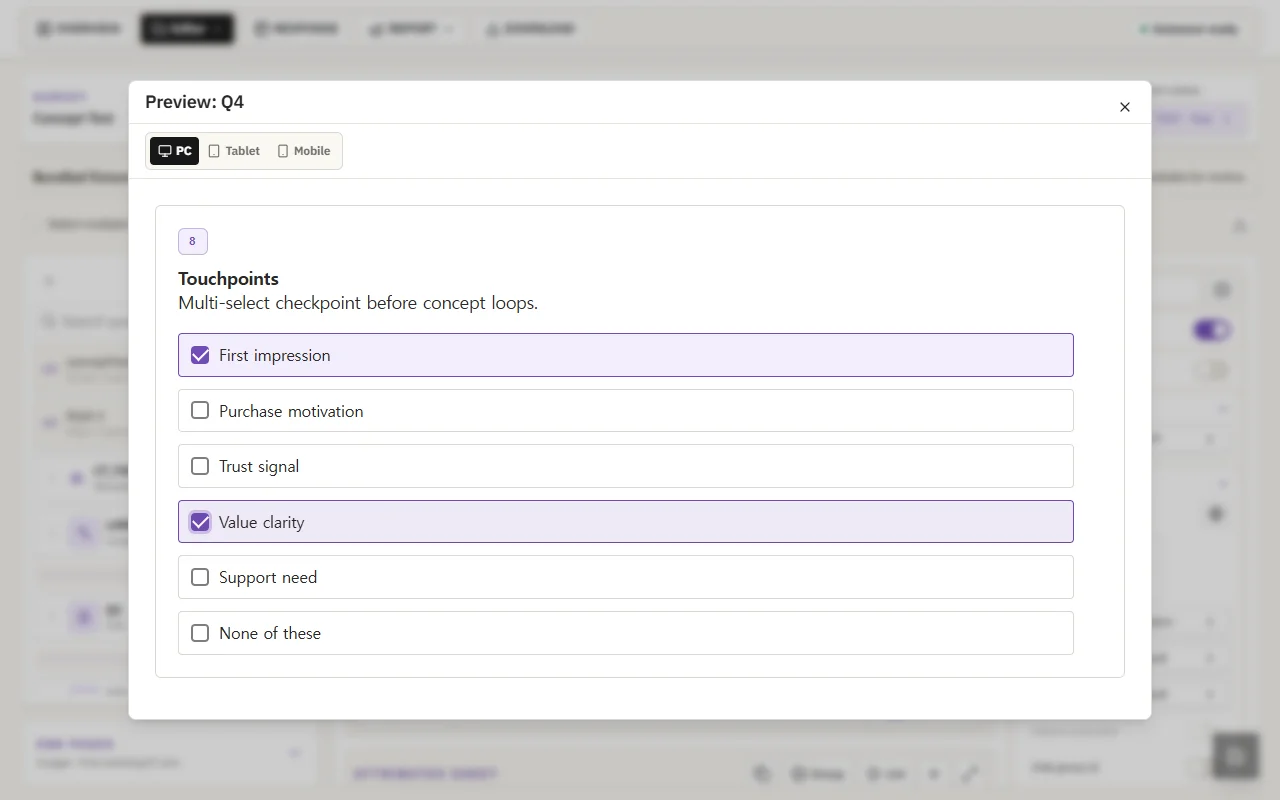
Concept Test · Actual respondent preview
Keep structure and context through to analysis.
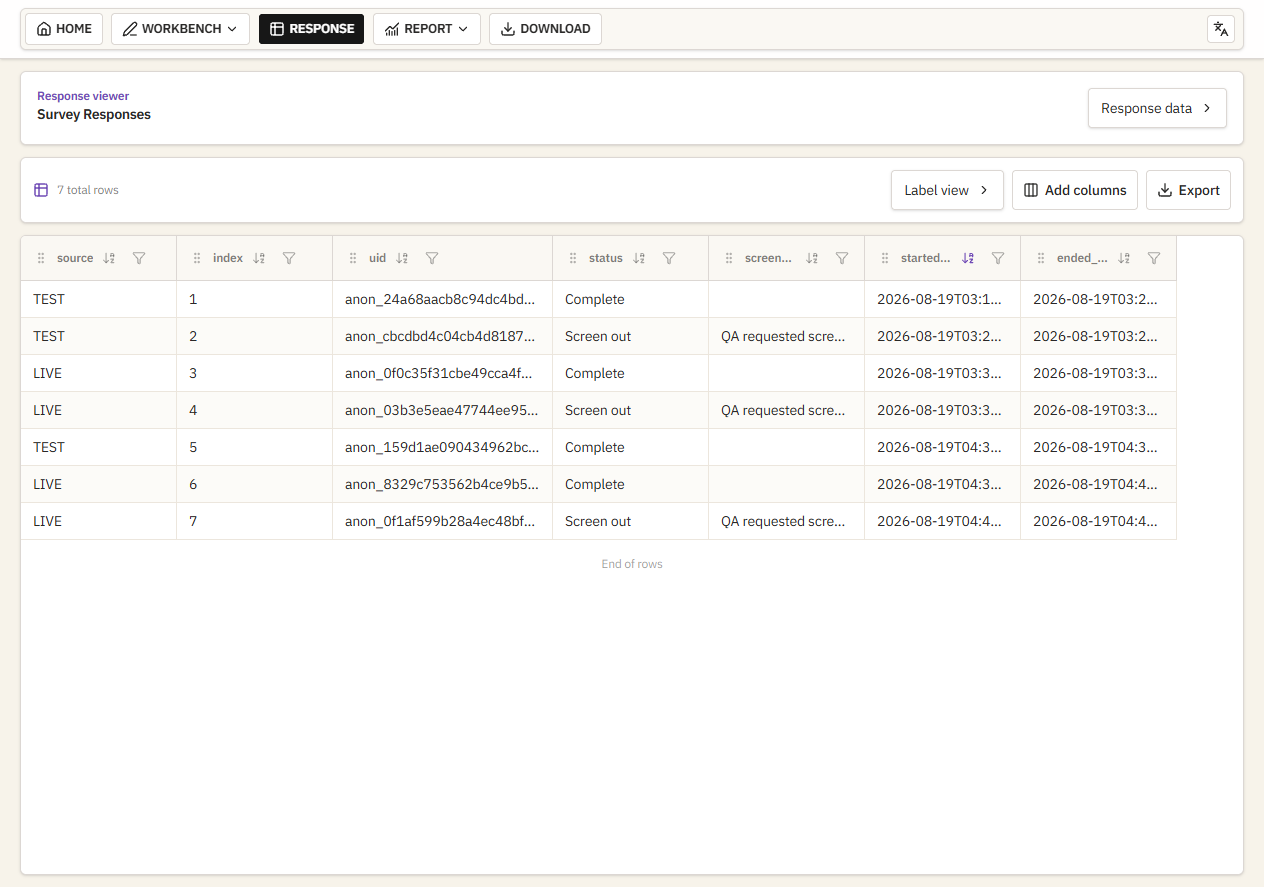
Published response workspace · Separate 7-row example
AI-ready by structure
Explicit survey structure, logic, quota rules, and data definitions give agents something they can inspect and act on safely.
1<survey id="concept_test">2<quota source="concept_quota" title="Concept assignment priority quota" />3<loop name="CT_CONCEPT_LOOP">4 <question type="ranking" name="Q8_{{item}}" display-style="accordion" />5 <question type="number" name="Q10_{{item}}" display-style="slider" />6 <question type="nps" name="Q11_{{item}}" display-style="carousel" />7</loop>8</survey>Follow the work from a first question to usable response data. Editor and preview show Concept Test; responses use a separate public example.
Design
Build questions in the editor. Keep the source, conditions, and presentation together as the survey takes shape.
Test & launch
Preview the respondent journey, check logic and quota rules, then publish a Survey Link when the survey is ready.
Collect & deliver
Review responses, compare report tables, and explore a dashboard. Export repeatable datasets with their definitions intact.
From responses to decisions
Build reusable report tables and executive dashboards from the same survey structure, with every KPI tied to its source.
Compare response cuts with reusable crosstabs.
Turn aggregate signals into a clear decision view.
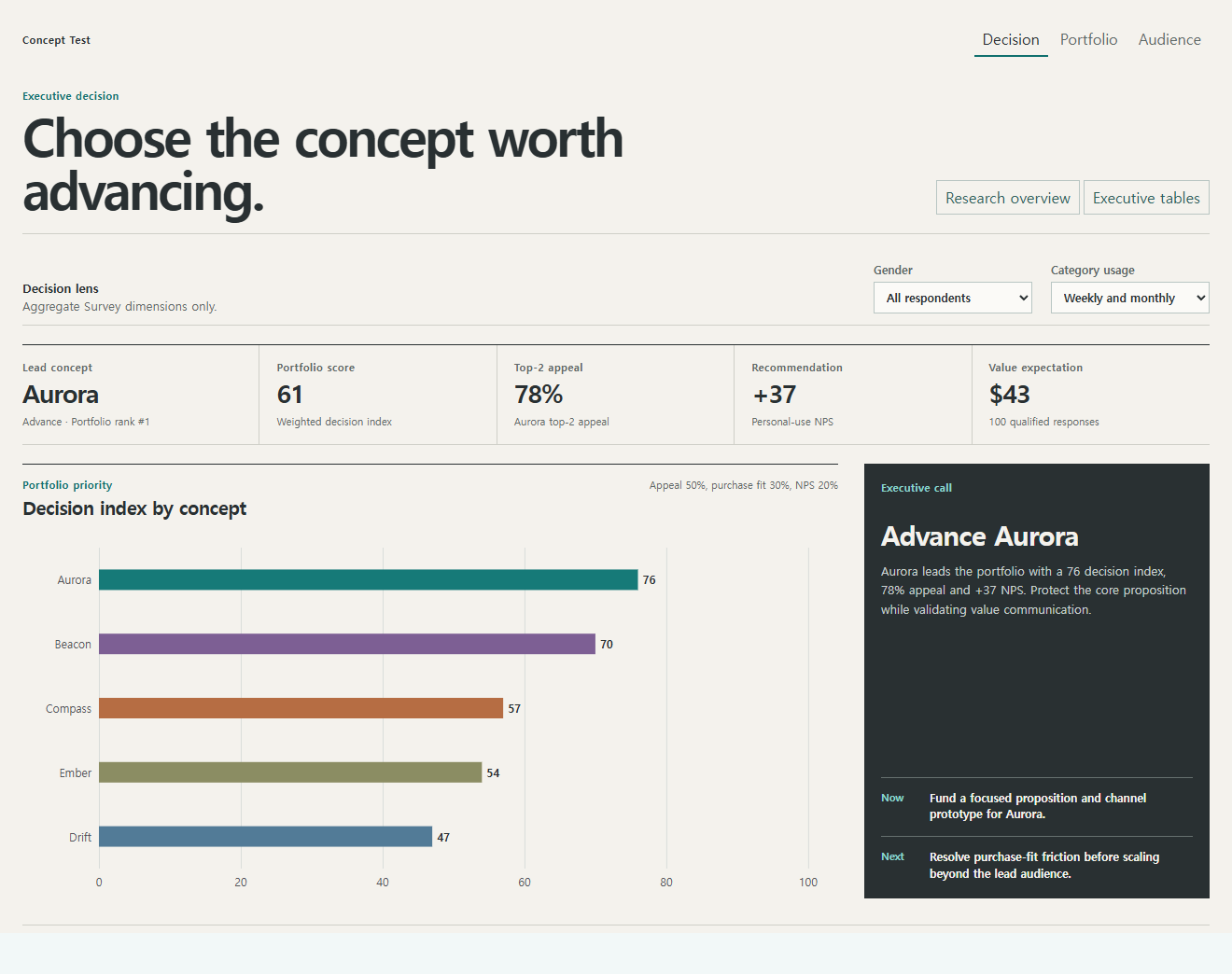
Open the working dashboard, change a filter, or inspect the underlying report table. Both use the same Concept Test sample.
Samples open in a new tab. Only aggregate demo data is shown.

Difficult surveys. Complex logic. A clearer way to work.
Illustrative workflow · external AI assistance
Draft a concept test with skip logic.
Human review before application
Reusable guidance for AI-assisted survey work.
Common instructions and workflows for tools such as Codex and Claude.Automatic rotation is off for reduced motion. Use the controls to explore all five plans.


 Skill · integration concept
 MCP · integration concept
 ChatGPT Apps · integration concept
 API · integration concept
 VS Code-style extension concept